
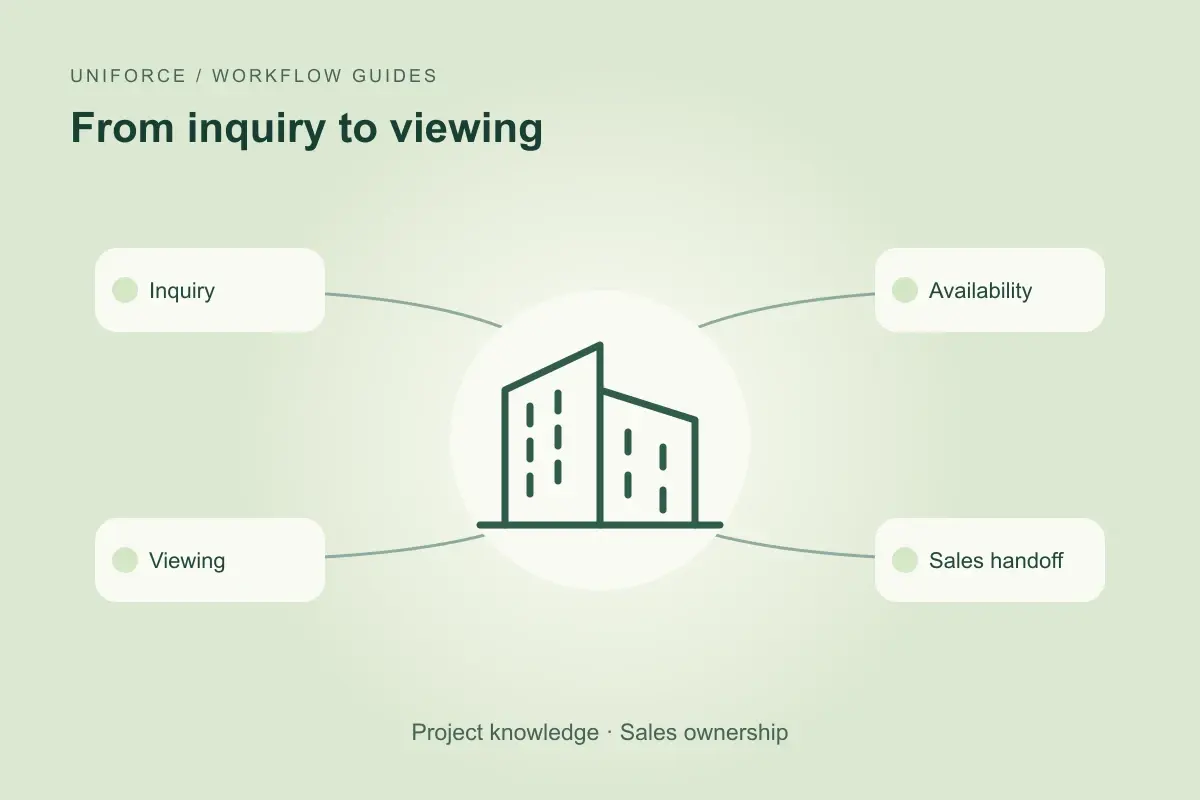
Start with one inquiry and one owner
A buyer asks on WhatsApp whether a three-bedroom apartment is available and if they can visit on Friday. The useful response depends on more than a property description: the team needs the current availability record, viewing arrangements and the person responsible for follow-up. A digital role can gather those details before the salesperson continues the conversation.
Define which projects and types of inquiry the first workflow covers. Agree on the information needed to qualify interest, such as the project, preferred size and desired viewing time. Do not ask for documents or personal details that are unnecessary at this stage. Store the request against the right record and make the next owner visible.
Use approved property information
Project brochures, price lists and availability records can disagree. Name the source used for each fact and record when it was checked. If a brochure describes a unit that the live record no longer lists as available, the agent should flag the conflict rather than choose the more convenient answer.
The customer-facing message should distinguish a confirmed fact from an item being checked. “I am checking availability for that layout” is useful when the record is unclear. An illustrative workflow should not turn a retrieved price into an offer, reserve a unit without authority or invent a completion date.
Coordinate the viewing without losing context
A sales agent can prepare a viewing request with the buyer’s preferences, the project and available time slots. The calendar connection needs explicit access and booking rules. A proposed slot is not a confirmed appointment until the required confirmation has been received.
The salesperson should receive the questions already asked, the sources checked and any outstanding issue. If the buyer switches from email to a call, keep the same inquiry context while respecting the identity checks for that channel. Avoid making the buyer repeat basic details merely because another teammate has taken over.
An AI sales agent for inquiry follow-upAI agents for sales teams
Test the exceptions before expanding
Test an unavailable unit, an outdated price list, a calendar conflict and a buyer asking for a discount. For each case, identify what the digital role may say, what it may record and what requires a salesperson. The handoff should include the proposed next action, not just a transcript.
Compare the pilot with a baseline for the same inquiry types. Review correctly qualified inquiries, confirmed viewings, missing information and correction effort. A higher number of messages does not establish better lead handling. Expand to further projects only when the team can consistently explain and review the outcomes.
Common questions
Can the agent quote a property price?
Only from an approved, current source and within the agreed permissions. Missing or conflicting prices should be routed to the sales owner; a price response is not automatically a binding offer.
Can it schedule viewings?
A scoped workflow can prepare or confirm bookings if the calendar connection and booking permissions support that action. Define availability, confirmation and cancellation rules during implementation.
What should the salesperson receive?
The inquiry, relevant preferences, information already shared, sources checked and any decision still needed. Keep the summary focused on the next conversation.
About this guide
Prepared by the Uniforce editorial team. Examples illustrate proposed workflows, not customer results. The role’s access, actions and review requirements depend on the configured implementation.