
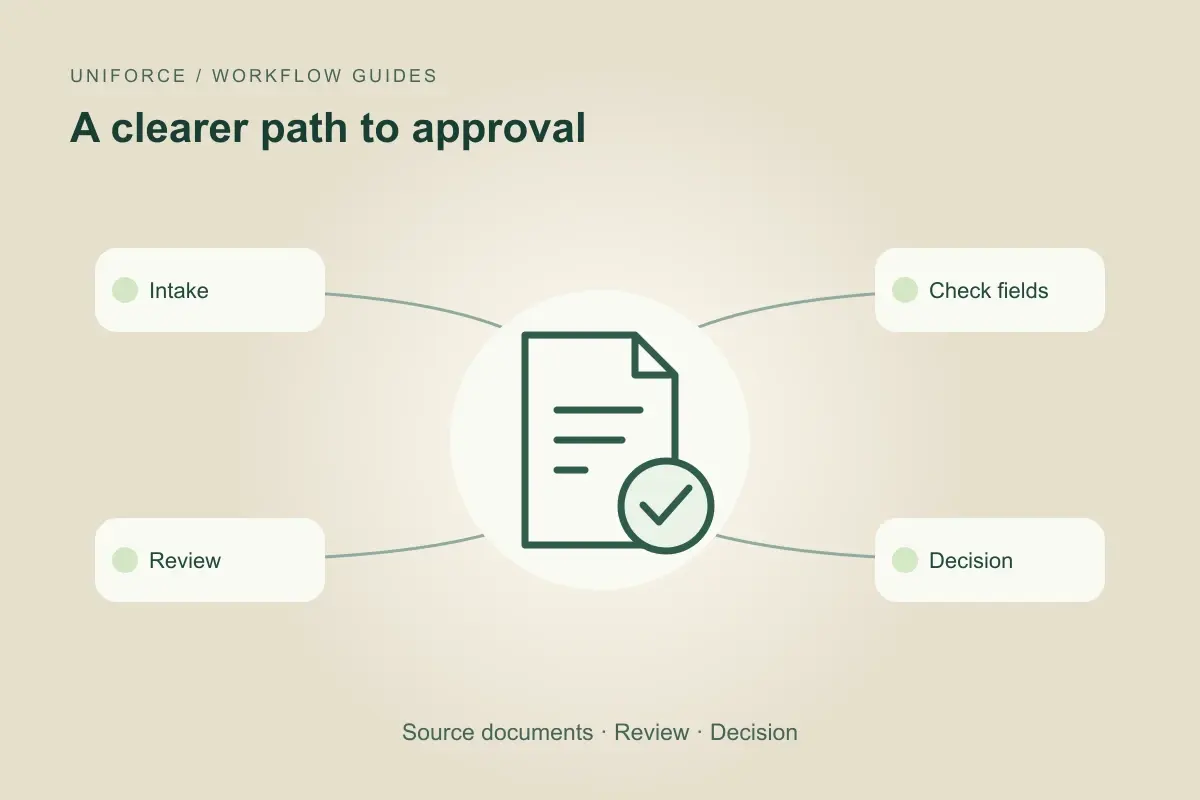
Define what a complete intake means
An inbox can contain attachments, revised versions and follow-up messages about the same request. Before automating routing, define the case identifier and the required information for that request type. Preserve the original document and label which version the team is reviewing.
A digital role can prepare a completeness check without declaring a document authentic or a request approved. If an extracted value is unclear, flag the source location and ask for review. Keep a missing field distinct from an explicit zero or an answer that does not apply.
Insurance: support claims intake, not the final decision
An illustrative claims-intake workflow gathers the claim reference, submitted documents and open questions for the claims team. The role can identify a missing attachment and prepare a request for it using approved language. The case owner decides how the information affects the claim.
Do not turn an intake checklist into a coverage or settlement decision. A complete file may still require specialist review. Keep access limited to the assigned case and make the handoff clear about what was received, what was extracted and what remains unverified.
Finance: prepare reconciliation exceptions
A finance workflow may compare records and organize potential mismatches for a reviewer. Preserve the reference for each source and the reason an item was flagged. A similar amount or supplier name is a candidate match, not proof that two transactions belong together.
The finance owner decides whether a proposed correction is appropriate. Preparing the exception, approving it and posting a change should remain distinct actions with explicit permissions. This approach also helps a financial-services team coordinate document requests without turning intake automation into financial advice.
Construction: keep project references attached
An invoice may need a project code, purchase order and delivery reference before it can reach the right reviewer. A construction administration role can gather these links and surface conflicting or missing identifiers. It should not guess the cost allocation from the sender’s name.
When a revised invoice arrives, retain the relationship to the prior version and flag the change. The project owner and finance team need to know which document supports the proposed action. Approval of supporting paperwork should not silently authorize a payment or a purchase-order change.
Give the reviewer enough evidence to decide
A useful review package contains the original reference, extracted fields, unresolved questions, proposed action and responsible owner. Record the reviewer’s decision separately from the agent’s recommendation. If the underlying document changes, the workflow should recheck whether the earlier approval still applies.
Test incomplete attachments, duplicate submissions, unreadable scans and conflicting versions. Start with a narrow document type and assess extraction errors, review time and reopened cases. Access, retention and approval policies need to be established by the organization for its implementation; the examples here describe workflow design, not a compliance certification.
Common questions
Does a complete document set mean the request is approved?
No. Completeness, verification and approval are separate steps. The responsible reviewer makes the decision required by the organization’s policy.
Can an agent post financial corrections?
Only if explicitly permitted in the implementation and after any required approval. A useful initial scope is to prepare exceptions for a person rather than write changes.
What should happen with an unreadable attachment?
Keep the original, mark the extraction as incomplete and request a readable version or human review. Do not fill gaps with guessed values.
About this guide
Prepared by the Uniforce editorial team. Examples illustrate proposed workflows, not customer results. The role’s access, actions and review requirements depend on the configured implementation.